Digital canteen access

MealPass

One Pass. One Tap. Great Meals.

Secure QR meal access in the browser — no app to download. Scan at the counter and go. Built for offices, enterprises, campuses, and factories.

Offices Enterprises Campuses Factories
✓ Redeemed
MealPass
Lunch · HQ Cafeteria
Active
EmployeeJohn Doe
DesignationSr. Engineer
Allocation left18 / 22
MealPass demo QR code
Live sync
Valid 12:00–15:00
Counter #4 · Scan me
Built for Offices Enterprises Campuses Factories · coming to floor-scale rollouts
What MealPass is

The canteen counter, minus the paper and the guesswork.

MealPass replaces paper meal coupons with secure QR access in the browser. Employees at offices, enterprises, and campuses — and increasingly factories — get monthly meal allocations set by their role; they redeem at the canteen with a counter QR or staff scan, whichever fits how their site runs.

Admins manage tenants, allocations, menus, guest coupons, and subsidies from one portal, with real-time usage tracking and a complete audit trail. Built for less misuse, no lost coupons, and a clear record of who ate what, where, and when — with no app to download.

Read more about the product
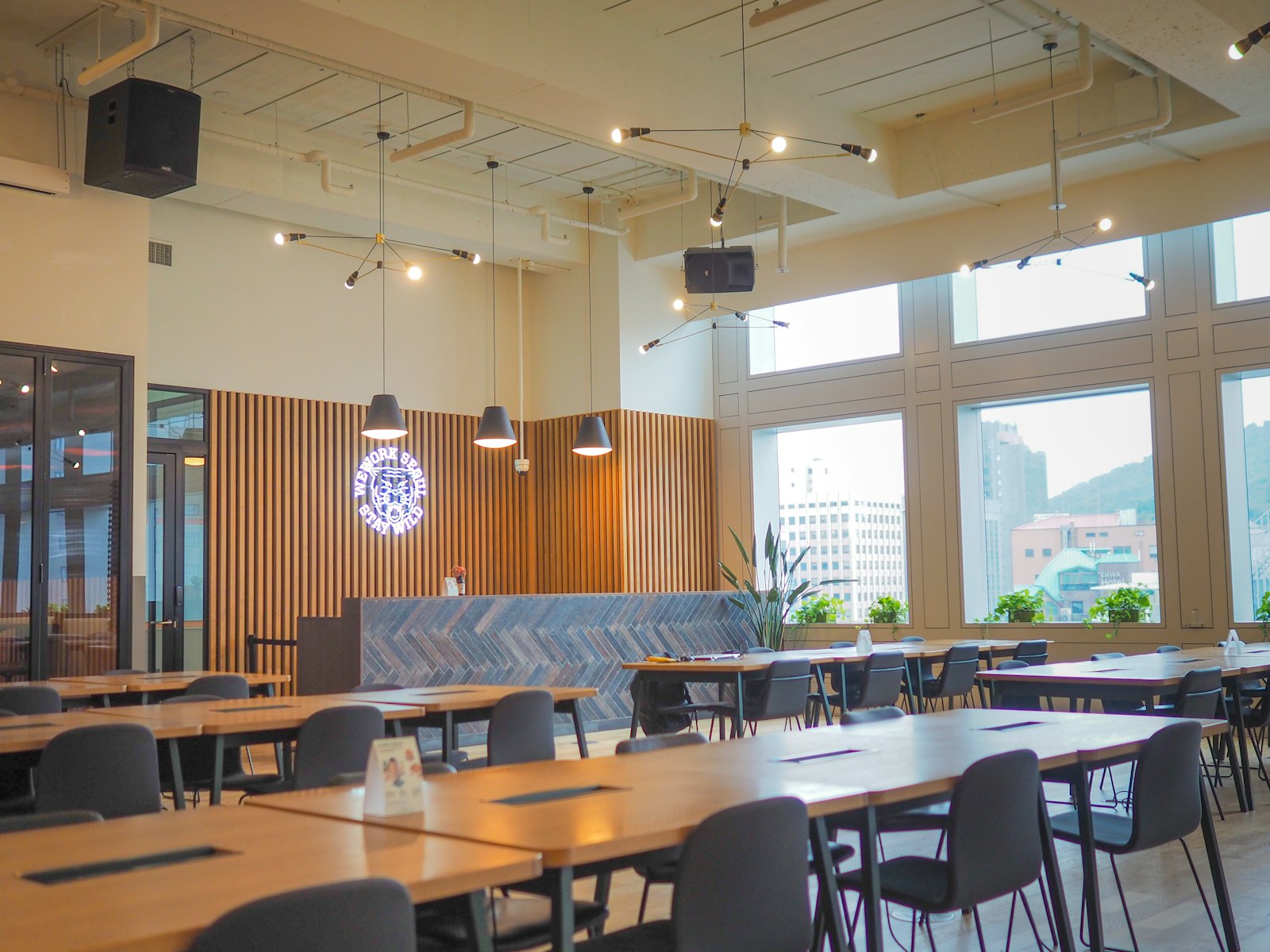
Busy workplace canteen seating area
2s
average time for an employee to redeem a meal at the counter
Features

Everything a canteen operation needs, in one system.

From the counter to the finance team, MealPass covers redemption, allocation, ordering, and reporting — for one site or fifty.

Employee QR redeem

Open a browser link, scan the counter QR, confirm — identity and allocation checked in seconds.

No app to download

Phone camera + simple web UI. Zero App Store installs, zero IT push — share a link and go.

Admin portal & audit

Manage allocations, menus, and guest coupons, with a complete, timestamped audit trail.

See all features
Product UI

Simple browser screens — wallet, scan, done.

Mobile web on any phone. No App Store. Same MealPass teal & paper UI employees and staff already open in the browser.

9:41Browser
MealPass
Mobile web · no install
EMP001
••••
Sign in
9:41Browser

Hi, John Doe

Your wallet
Breakfast8
Lunch18
Snacks12
Dinner4
▣
Scan counter QR
Camera · redeem
›
☰
A-la-carte menu
Browse today’s items
›
9:41Browser

Scan counter QR

Browser redeem
Counter QR in camera view
Redeem

Phone camera — no app store

People & roles

Users, departments, levels, staff permissions.

Allocations

Monthly quotas by designation — auto-applied.

Counter QR

Paper or rotating live display at every till.

Menus & orders

Daily menu, a-la-carte, kitchen queue.

Subsidy & reports

Consumption, demand, payroll-ready numbers.

Audit & control

Full trail, multi-branch, multi-tenant.

Browser for everyone — employees, staff, and admins. Ask us for a live portal walkthrough.

Rollout

Live in four steps.

Most teams go from signup to their first live redemption inside a week.

1

Sign up your organization

Create your tenant, add sites, and set shift timezones for each location.

2

Invite employees

Bulk-import your roster from HR data; designation determines default allocation.

3

Set allocations & menus

Define meal quotas by role and upload the day's menu for each canteen.

4

Scan & redeem

Employees redeem at the counter QR in the browser; usage and subsidy update in real time.

Walk through the details
Pricing

Talk to us for a plan that fits your site.

We size MealPass by organization and employee seats — no public rate card. Tell us about your canteen and we’ll recommend a package.

Starter sites

Single canteen coming off paper coupons — web portal, counter QR, role-based allocation.

Growing operations

Multi-department or multi-site — guest coupons, a-la-carte, subsidy reports, priority support.

Enterprise groups

Multi-tenant, multi-branch, custom SLA — we’ll scope it with you.

Contact us for pricing
Ready when you are

Bring MealPass to your canteen.

Tell us about your organization and we'll set up a trial for your site — or log in if you're already running MealPass.